Report Studio — Sources
Every value answers one question: where did this come from?
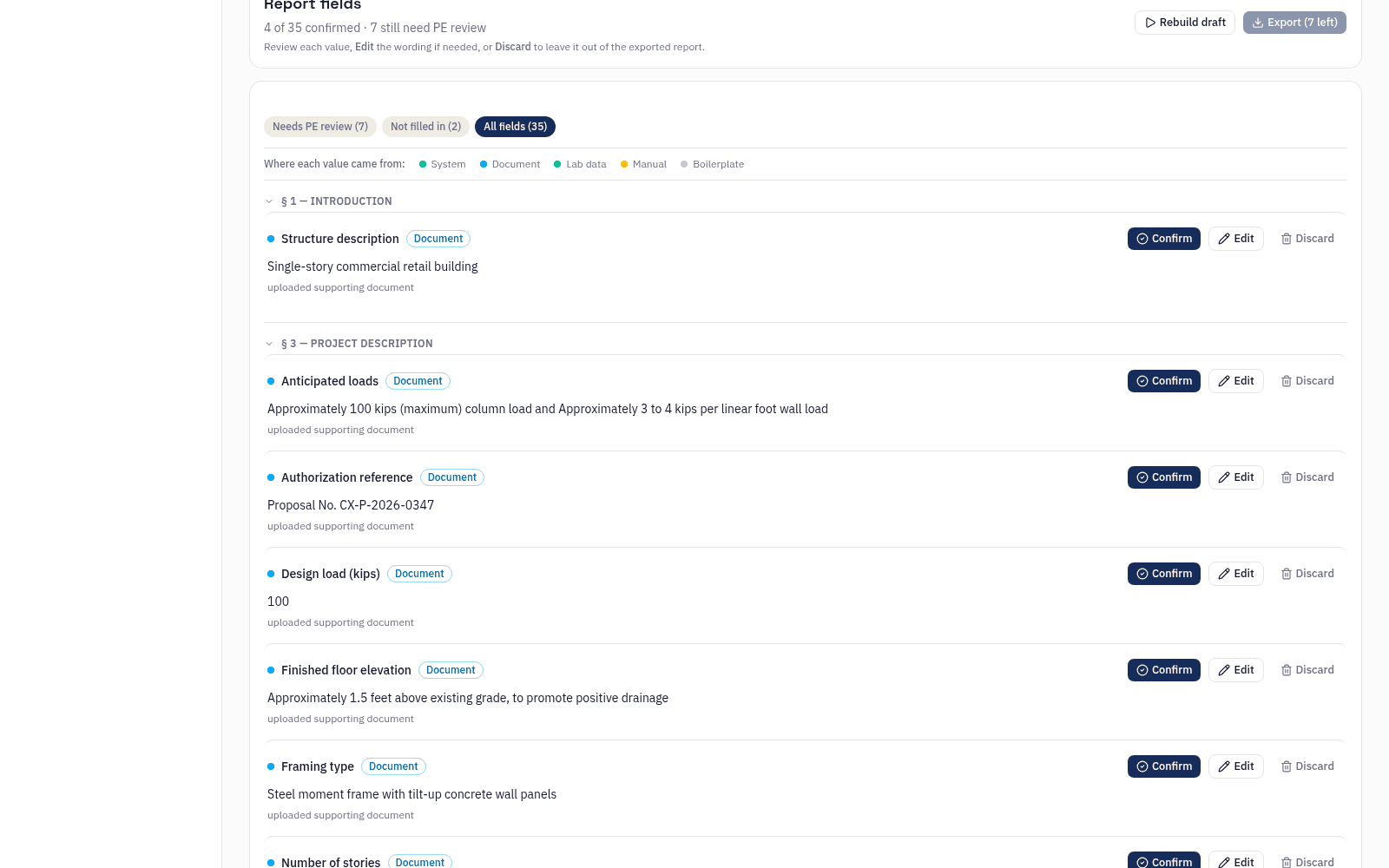
Each populated field carries a source tag — one of five, matching the data model underneath. The tag is real state, not a label. Watch the excerpt cycle through its sources below — or select any tagged value yourself.
Excerpt — Recommendations, extended
Each value carries its source
Based on the subsurface conditions encountered, the proposed structure may be supported on conventional shallow spread footings bearing in the stiff lean clay encountered below a depth of approximately . Footings may be proportioned using a net allowable bearing pressure of , with total settlement estimated at less than . Liquefaction screening identified within the explored depths. The site is classified as Seismic Site Class in accordance with . For the described use, the structure is assigned Risk Category . Slab-on-grade design may use a modulus of subgrade reaction of , and minimum footing width is . Soils are classified for excavation purposes, and corrosion potential is classified .
Select a tagged value to see its source.
The five tags
| Tag | Meaning | What to check |
|---|---|---|
| Calculated | Computed by a deterministic, unit-tested calculator | Check the method row on the engineering page — the field names the calculation that produced it. |
| Document | Parsed from a document you uploaded | Check against the source. The field cites the document and location it was parsed from. |
| Live data | Retrieved at run time — ASCE 7 Hazard Tool or USDA Soil Data Access | Check the retrieval — values are pulled at run time from ASCE 7 or USDA SDA, not stored. |
| Boilerplate | Set once in your firm profile, applied to every report | Check the firm profile entry it inherits — set once by your admin, applied to every report. |
| Manual | Entered by hand | Check against intent. Hand-entered values are marked so nobody mistakes them for computed ones. |
The sign-off gate
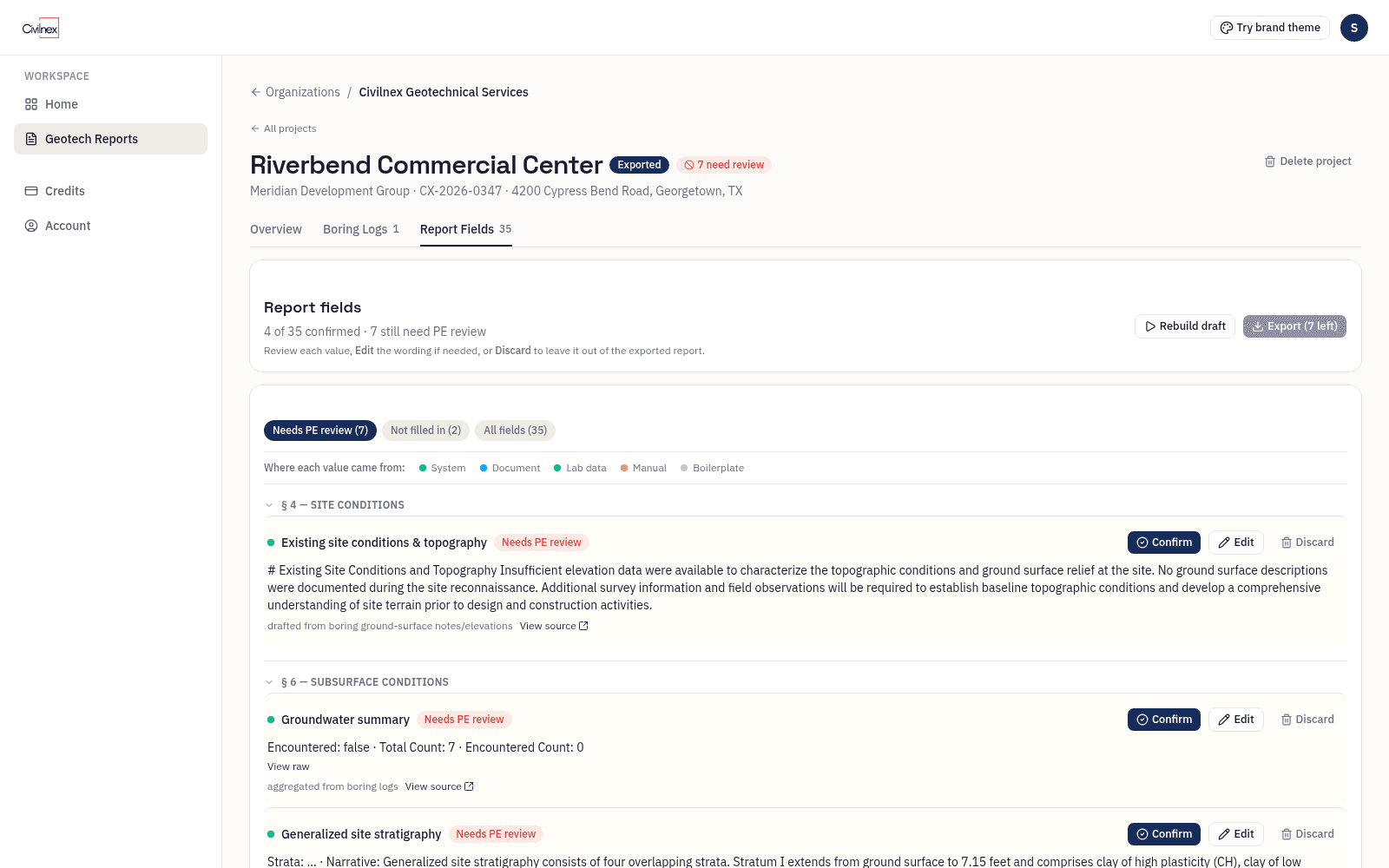
Certain fields can't be left to a review pass that might skim. Those block export until a named user confirms each one individually. Until then the export endpoint returns the list of what's outstanding and refuses to produce a document.
The gate is enforced in the export itself, not as a checkbox in the interface. A draft that hasn't cleared its mandatory-review fields doesn't export, no matter how the request is made.
Now onboarding pilot firms
Bring your template. We draft your first reports with you.
Pilot firms get hands-on onboarding — we set up your firm profile, load your report template, and run your first project through together.